Idea → System

The road from an idea to a system that works.

A knowledge library on development, infrastructure, security and AI. Every article opens with a one-line summary, continues in plain language for someone who has never built such a system, and closes with a “Going deeper” box covering the engineering decisions themselves.

Three rules that recur in every article

Tools change every year. The order of decisions does not.

1

Problem first, tool second

Choosing technology before defining the problem is a guess that costs months.

2

Evidence before commitment

The cheapest week to discover you were wrong is the first one, not the sixth month.

3

What isn't measured doesn't improve

Without measurement every change is a belief, and every argument is settled by whoever speaks loudest.

The library

100 articles across eight fields. Search, filter, or just scroll.

Product foundations

From an idea to a definition you can build from

12 articles
001From an idea to a problem you can actually solveBefore choosing any technology, write down who suffers from the problem, what they do about it today, and how you will know it is solved.002The smallest prototype that proves somethingA prototype exists to answer one dangerous question, not to demo a product — so it is allowed to be ugly, manual and incomplete.003Writing a spec developers will actually readA good spec describes behaviour and acceptance criteria, not design mockups — and its length is measured in pages, not dozens.004Choosing what not to buildThe ability to say no is what separates a product that shipped from one that gets developed forever.005How long will it take: estimates without illusionsA good estimate is a range with visible assumptions, updated as knowledge grows — not a single number stated once.006Build, buy, or integrateBuild only what makes you distinctive; everything else — buy, integrate, or drop.007User research in three daysFive half-hour conversations with people who do the work will reveal more than a survey of a thousand responses.008Success metrics that don't liePick one metric tied to the value the user received, and one beside it that keeps you from breaking something else.009Technical debt: when to take it and when to payTechnical debt is a legitimate financing tool — as long as it's taken deliberately, recorded, and has a date when repayment is discussed.010First version: what must be inThe first version needs to do one thing end to end, and do it in a way you can rely on.011How to prioritize when everyone is shoutingPrioritization isn't an ordered list but a decision rule everyone knows in advance — otherwise it's set by whoever speaks loudest.012From spec to tasks you can start working onA good task ends in a result you can run and check, and takes a day or two — not a week and not an hour.

Web & frontend

Sites and applications in the browser

8 articles

Mobile apps

From the app store to the hot fix

11 articles
021Native, cross-platform, or a mobile websiteThe choice is set by how much you need from the device itself and by team size — not by which technology is trending this year.022Working offline: an app that doesn't break in an elevatorDesign the app around the assumption that there's no network, and you get for free an app that also feels fast when there is.023Push notifications without losing usersA justified notification is one the user would regret missing — everything else leads to turning off the permission, which is nearly irreversible.024Passing the store review the first timeMost rejections come from metadata and permissions, not code — and can be prevented with an hour of preparation.025Mobile performance: memory, battery and the feel of speedIn apps, the feel is set at launch time and in scroll smoothness — and both are broken by images and work running on the main thread.026Local storage and sensitive data on the deviceAssume the device will be lost or breached: what's stored locally should be minimal, encrypted, and remotely revocable.027Versions and backward compatibility in appsUsers have old versions for months — the server must support them, and know when to stop.028Mobile UX: what's different from a large screenOn mobile the user is standing, rushed, holding with one hand and sometimes in sunlight — and that changes every decision.029Crash and error monitoring in an appWithout automatic crash reporting you learn about problems from store ratings — that is, too late.030Gradual rollout and capability switchesRelease to a small percentage, watch the metrics, and expand — and keep the ability to turn off a feature without releasing a version.031Files, media and uploads from the deviceA photo from the camera weighs dozens of times more than needed — handle it on the device before it touches the network.

Backend, APIs & data

The side nobody sees and everybody feels

15 articles
032Designing an interface you can live withA good interface is predictable, consistent and boring — every surprise in it becomes a recurring question and a bug for whoever uses it.033Versioning interfaces: how to change without breakingYou published an interface — you committed. A breaking change requires a new version, an overlap period, and advance notice.034Databases: choose and don't regret itIn most cases a relational database is the right answer, and any other choice needs a reason you can state in a sentence.035Schema migrations without downtimeChange the schema in backward-compatible steps: add, fill, switch, and only at the end — remove.036Queues and background jobsAnything taking more than a second and not needed for the user's answer belongs in a queue, not the request.037Caching: speed up without serving stale dataBefore adding a cache, decide how long a stale piece of data is still acceptable — that's the only question that really matters.038Authentication and authorization: who you are and what you're allowedIdentity and authorization are two separate questions, and most breaches come from the second being checked in the interface and not the server.039One service or many: when to splitStart with one well-ordered system. Split only when there's real pain — teams blocking each other or a component that needs a different scale.040Designing a data model that lasts for yearsA good model represents the business reality, not the first screen you were asked to build.041Reliability in calls to external servicesEvery outbound call will fail at some point — the only question is whether you planned for what happens then.042Files and object storageFiles don't belong in the database and not on the server's disk — they belong in object storage with signed addresses.043Search: when the database stops being enoughFree-text search with ranking, typos and multi-filter is a world of its own — and not every system needs it.044Outbound email, messages and webhooksOutbound messages are a public interface: they need a queue, retries, and a record of what was sent to whom.045Load: rate limits and self-protectionA healthy system refuses early and clearly, instead of collapsing slowly under a load it can't bear.046Working with money: payments and chargesNever store card details, never trust an amount that came from the client, and always keep an immutable event log.

Infrastructure, cloud & DevOps

How code gets live and stays there

14 articles
047Environments: development, testing and productionThree environments built from the same definition, differing only in configuration and data — any other difference is a bug waiting to be found.048Containers: what they give and when they're redundantA container packages the app with everything it needs to run, so it behaves the same everywhere.049Infrastructure as codeIf you can't reproduce the environment from a file in version control, you don't have infrastructure but a history of clicks.050An automated build and deploy pipelineEvery merge should trigger the same sequence: build, tests, security checks, deploy — with not one manual step in the middle.051Deployment strategies: blue-green, canary and gradualA good deployment is measured by the ability to roll back quickly, not by the speed of going out.052Monitoring and observability: knowing something broke before the customerThree kinds of signal — metrics, logs and traces — and one question they need to answer: what's happening now and why.053Backup and recovery: what isn't tested doesn't existA backup isn't a policy; a policy is how much data you may lose and how long you may be down — and proof you met it.054Cloud costs: where the money disappearsMost of the invoice comes from three places: resources running that nobody needs, storage growing with no policy, and cross-region traffic.055Scaling: horizontal, vertical, and what you actually needBefore scaling, measure where the bottleneck is — in most systems it's the database or a single query, not the number of servers.056Networking and certificates: domain, DNS and HTTPSMost “the site won't load” incidents are a domain, an expired certificate, or routing — not the code.057Managing secrets and keysA secret in the code repository is a leaked secret — even if the repo is private, and even if you deleted it afterward.058Incident review without blameAfter every incident, an hour of written review focused on the system and not the person is worth it — otherwise the same incident recurs.059High availability and disaster recoveryDecide how much an hour of downtime costs you, and only then decide how much redundancy to buy.060Logs: store correctly and find fastA good log is structured, identified by a request ID, kept for a defined time, and free of personal information that has no reason to be there.

Security

Think like an attacker before one does

14 articles
061A threat model in one hourSketch what you have, who might want it, and where it crosses a boundary — and you get a real priority list instead of a gut feeling.062The ten failures that recur in every auditMost findings aren't sophisticated: permissions not checked on the server, input that reaches a query, and old libraries.063Passwords, two-factor authentication and sessionsStore passwords with a dedicated slow algorithm, enable two-factor, and make it possible to log out of all devices.064Injections: separating an instruction from dataEvery place a string from the user is assembled into a command is a hole — and the fix is parameters, not filtering.065Securing public interfacesAn interface open to the internet is scanned automatically from day one — assume every route will be called, in any order, with any input.066The code supply chainYour code is a minority of what runs in production — most of the risk is in the packages you brought and the tools that built them.067Encryption: when, where and how not to get it wrongUse known libraries with modern defaults, and invent nothing — almost every encryption failure is a usage failure.068Cloud permissions: the most important rule is the minimumMost severe cloud incidents start with an identity that has more permissions than it needs, and no expiry.069Privacy by design: collect lessThe cheapest way to protect information is not to collect it — and every field collected should have a purpose, an owner and a deletion date.070Browser security: protections set in headersA large share of client-side attacks are blocked by a few response headers and a few correct cookie settings.071Team safety: where most breaches startEven a secure system is breached through an employee's device, a phishing email, or an account without two-factor.072Security testing: what to order and whenAutomated scanning is ongoing hygiene; a penetration test is a focused event — and both need a written objective.073Security in model-based systemsA model adds two new risks: external content interpreted as an instruction, and output that reaches a sensitive place without a check.074Prepare for an incident before it happensDuring an incident there's no time to decide who decides — the paper written on a calm morning is the difference between an hour and a week.

AI in practice

From a model to a system that works

16 articles
075How to choose a model — and why it isn't the first decisionStart from the strongest model to test whether the task is solvable, and only then drop to a cheaper one until quality breaks.076Connecting your knowledge to the model: retrieval without big wordsThe model doesn't know your documents — you need to find the relevant passages for each question and attach them to the prompt.077Agents: when to let the system act on its ownAn agent decides for itself which actions to take — and all the reward and risk sit in the permissions you gave it.078Prompts: write a specification, not an incantationA good prompt defines a role, input, decision rules and output structure — and is treated like code, in version control and tests.079Evaluation: how you know the system improvedWithout a fixed evaluation set, every change is a belief — and an improvement in one area will hide a regression in another.080Cost and latency in model-based systemsMost of the cost comes from the text going in, and most of the latency from the text going out — so the two fixes differ.081Classification and extraction: the tasks that return the mostBefore building a chat, check whether the problem is really classifying a ticket or extracting fields from a document — two simple tasks that return immediate value.082Hallucinations: why they happen and what actually helpsA model asked a question it has no answer to will produce a plausible answer — the fix isn't asking it not to err but giving it a source and a way to say no.083Data: where it comes from and what to do when there is noneIn most projects the data exists but is scattered, unlabelled and unclean — and that's the stage that eats most of the time.084Designing an interface for a system that isn't always rightA good interface shows varying certainty, allows easy correction, and doesn't present a guess as a fact.085Bias, fairness and accountability in using modelsA model reflects what it saw — so decisions that touch people require checking across segments, a human in the loop, and documentation.086Small, local and edge modelsWhen volume is large, latency is critical, or the data can't leave — a small model running on your side beats a big one in the cloud.087Process automation: where a model adds and where it's redundantIf the process is fixed and clear, write code; a model is worth exactly the places where judgment on unstructured text is needed.088Experiments: how you know the change improved somethingCompare two versions on the same traffic at the same time — any “before and after” comparison also measures the world, not just you.089Architecture of a model-based systemThe model is one component inside an ordinary system — and the system around it is most of the work and most of the risk.090Operating an AI system over timeModels get replaced, documents change and users learn to ask differently — a system untouched for six months is almost always worse.

Craft, quality & teams

What turns code into professional work

10 articles
091Tests: how many, which, and what isn't worth itInvest in a majority of tests that exercise your logic, some integration tests, and very few end-to-end ones.092Code review that improves rather than delaysA good review is small, fast, and focused on correctness and maintainability — not on style preferences an automated tool should enforce.093Working with versions: branches, merges and historyShort branches and frequent merges prevent most version pain — and a readable history is worth the effort on the day you investigate an incident.094Documentation people actually readDocument what can't be inferred from the code: decisions, boundaries, and the way to get started — everything else ages and misleads.095Onboard a new developer in a week, not a monthThe metric is how long until the first change in production — and most of the delay is access and local setup, not understanding code.096Names, structure and code you can come back toCode is read far more than it's written — so an accurate name and a predictable structure are worth more than any cleverness.097Choosing technology without regretting it in two yearsChoose by the team, maturity and community — and what's boring and familiar almost always beats what's new and exciting.098Quality without bureaucracy: how not to break what worksRegressions are prevented by three things: automated tests, small frequent releases, and the ability to roll back fast.099Working with vendors and development contractorsDefine deliverables, ownership and access in writing up front — and ask for continuous delivery, not one big handover at the end.100What really decides whether a project succeedsNot the technology and not the team size — but clarity of goal, short feedback cycles, and one person responsible for deciding.

About Boomalaya

“Boom” is the moment an idea hits reality — and the ripples that follow are the real work. Boomalaya is a place to learn that road: not a list of tools that changes every month, but an order of decisions that stays true even as the technology beneath it shifts.

Our apps

Boomalaya is also an iOS studio. These three apps are built on the same principles the articles describe: on-device processing, no servers, no account, no tracking.

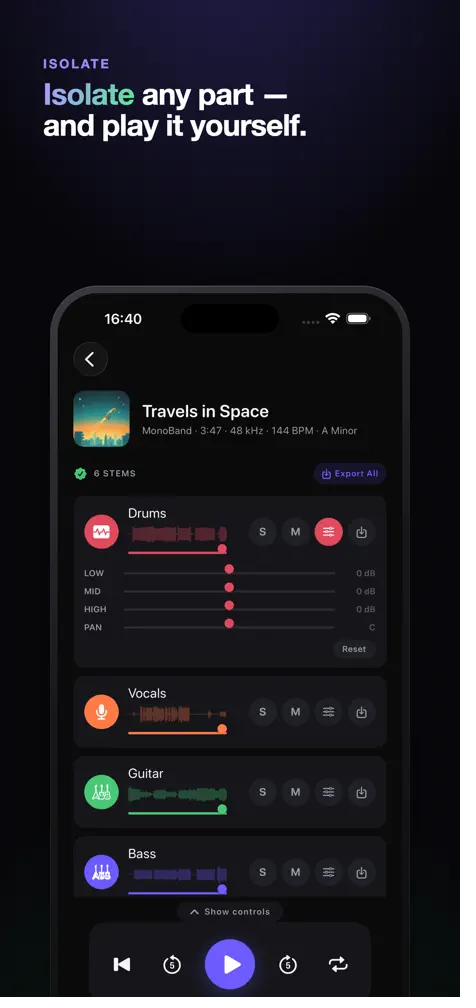
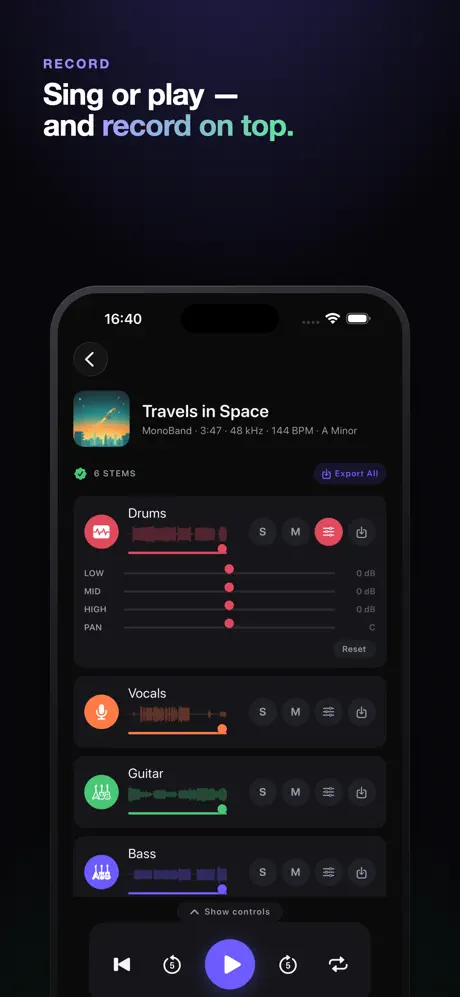
MonoBand: AI Stem Splitter

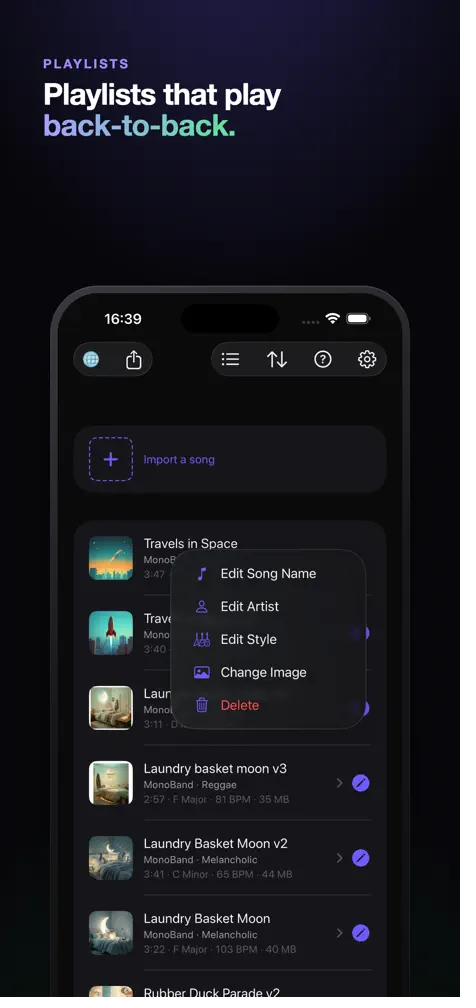
Turns any song you own into a practice and remix studio — fully on device, no internet, no subscription.

  • 6-stem AI separation running on device: vocals, drums, bass, guitar, piano and more
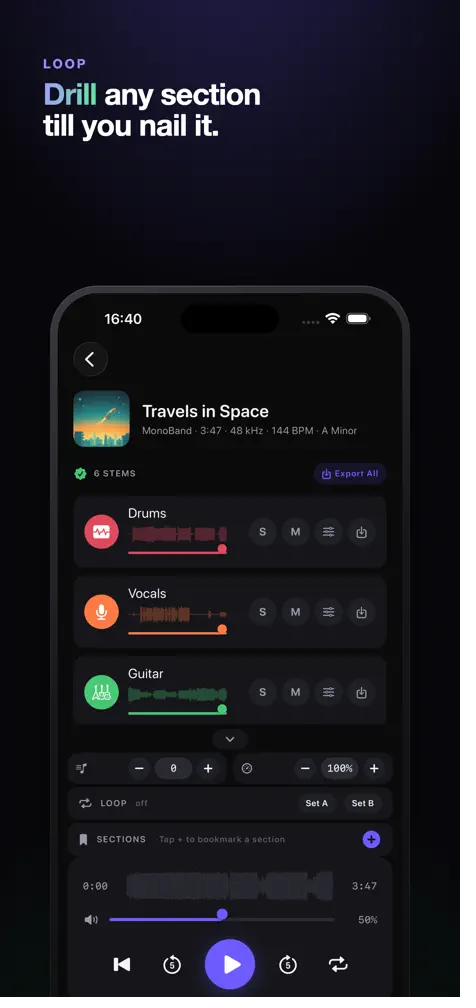
  • Practice tools: transpose, change speed without changing pitch, A→B loop, and automatic chord, BPM and key detection
  • CarPlay: one-tap karaoke, and mute or solo any instrument while you drive
  • No servers, no analytics, no account — your songs and recordings never leave the device

Free · Music · iPhone, iPad, Mac · 8 languages

MonoBand: AI Stem Splitter — Produce music beats like prosMonoBand: AI Stem Splitter — On device. Offline. Yours.MonoBand: AI Stem Splitter — Isolate any part and play it yourselfMonoBand: AI Stem Splitter — Sing or play and record on topMonoBand: AI Stem Splitter — Drill any section till you nail itMonoBand: AI Stem Splitter — Playlists that play back-to-backMonoBand: AI Stem Splitter — On-device AI, no internetMonoBand: AI Stem Splitter — Record vocals over the song

Block AI

A classic block puzzle with AI-built progression — runs locally, no ads, no account.

  • Adventure mode with 100 AI-generated stages
  • Adaptive difficulty that reacts to your play style
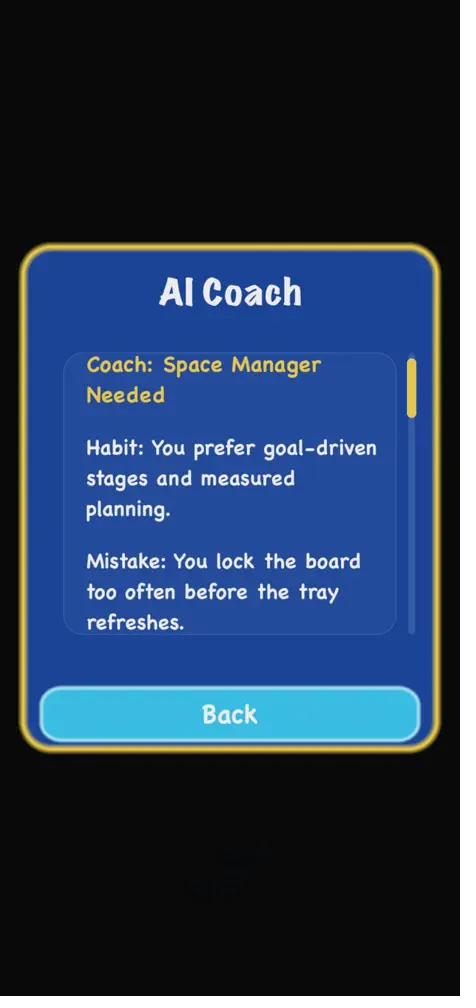
  • An AI coach that analyzes habits, mistakes and strengths
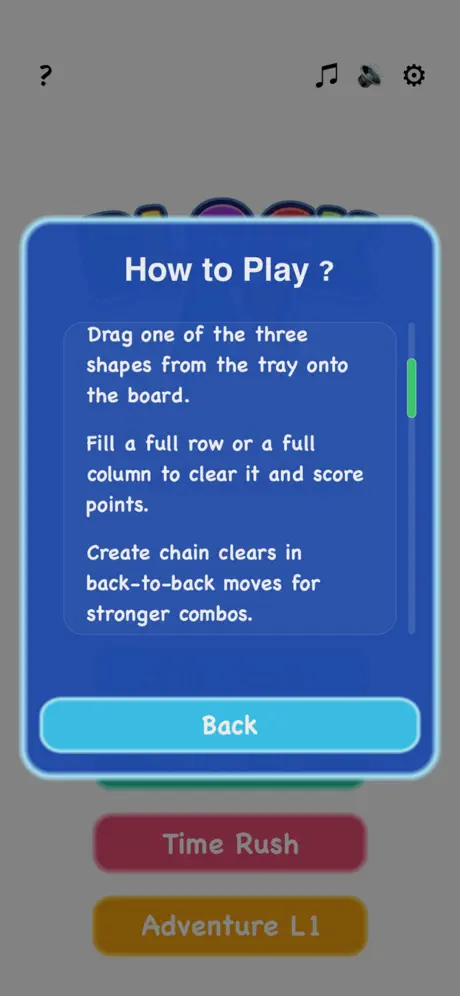
  • Four game modes: Daily Puzzle, Endless Run, Time Rush and Adventure

Free · Puzzle · iPhone · Game Center leaderboards

Block AI — Block AI home screen and game modesBlock AI — Block puzzle gameplayBlock AI — Adventure stage previewBlock AI — AI building the Adventure stagesBlock AI — AI Coach analysisBlock AI — Play statisticsBlock AI — Stage clearedBlock AI — How to play

AIKeyMoji: AI Sticker Keyboard

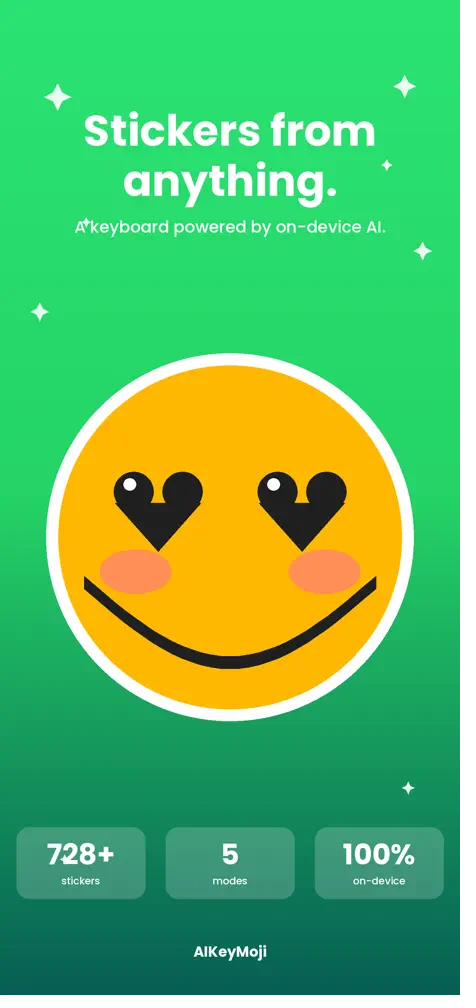
A keyboard that turns any photo or video into a personal sticker, using AI that runs on the device itself.

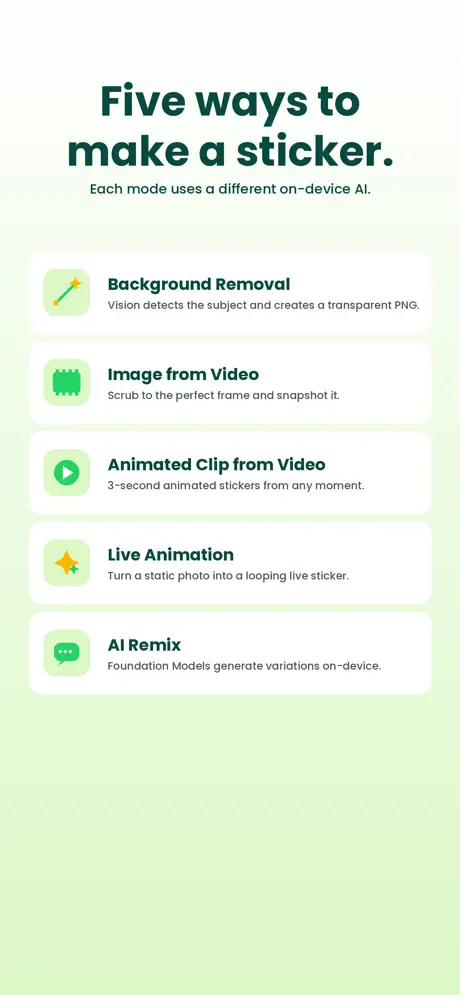
  • Photo → AI removes the background → a clean sticker, in seconds
  • Grab a frame from a video, or a three-second animated sticker
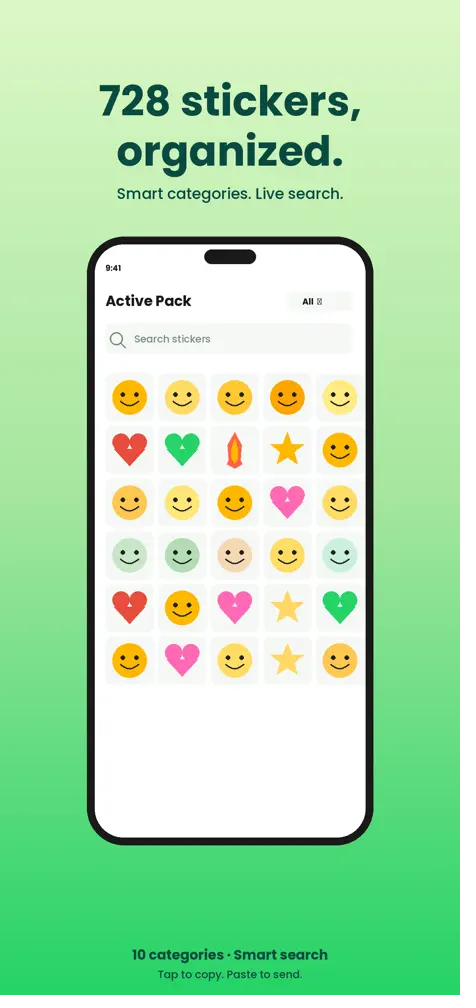
  • 728 built-in animated stickers in ten categories, with live search
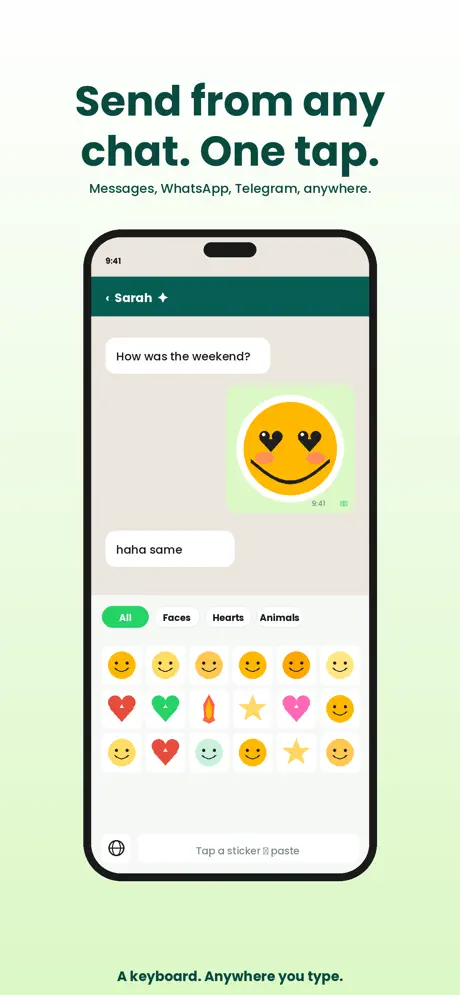
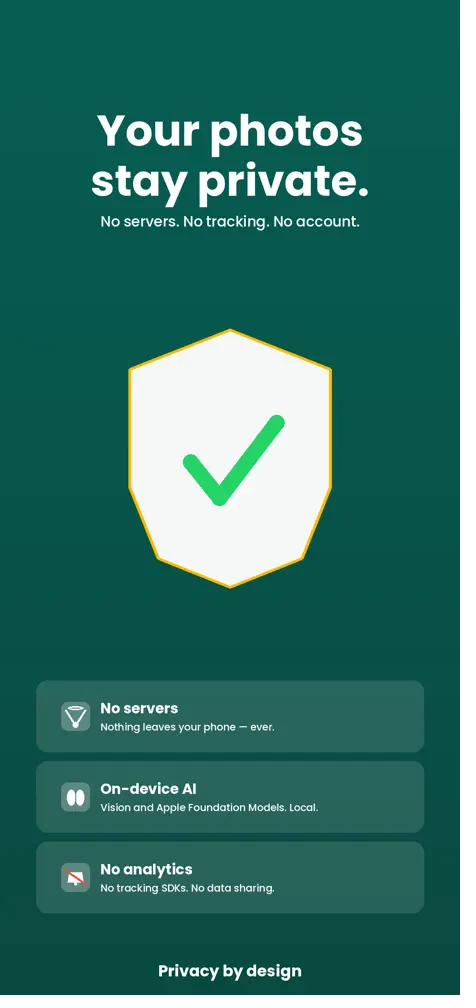
  • Works in any app you type in; no servers, no tracking, no account

Free · Graphics & Design · iPhone, iPad · English and Hebrew

AIKeyMoji: AI Sticker Keyboard — Stickers from anythingAIKeyMoji: AI Sticker Keyboard — Send from any chat, one tapAIKeyMoji: AI Sticker Keyboard — Five ways to make a stickerAIKeyMoji: AI Sticker Keyboard — Video to animated stickerAIKeyMoji: AI Sticker Keyboard — 728 stickers, organizedAIKeyMoji: AI Sticker Keyboard — Your photos stay private

Boomalaya · App Store

Get in touch

A question, a correction, or a suggestion for an article — write to us.

Support@boomalaya.com